
Everything it does
The full step-by-step description is in the User guide. User guide →
🗂
Projects
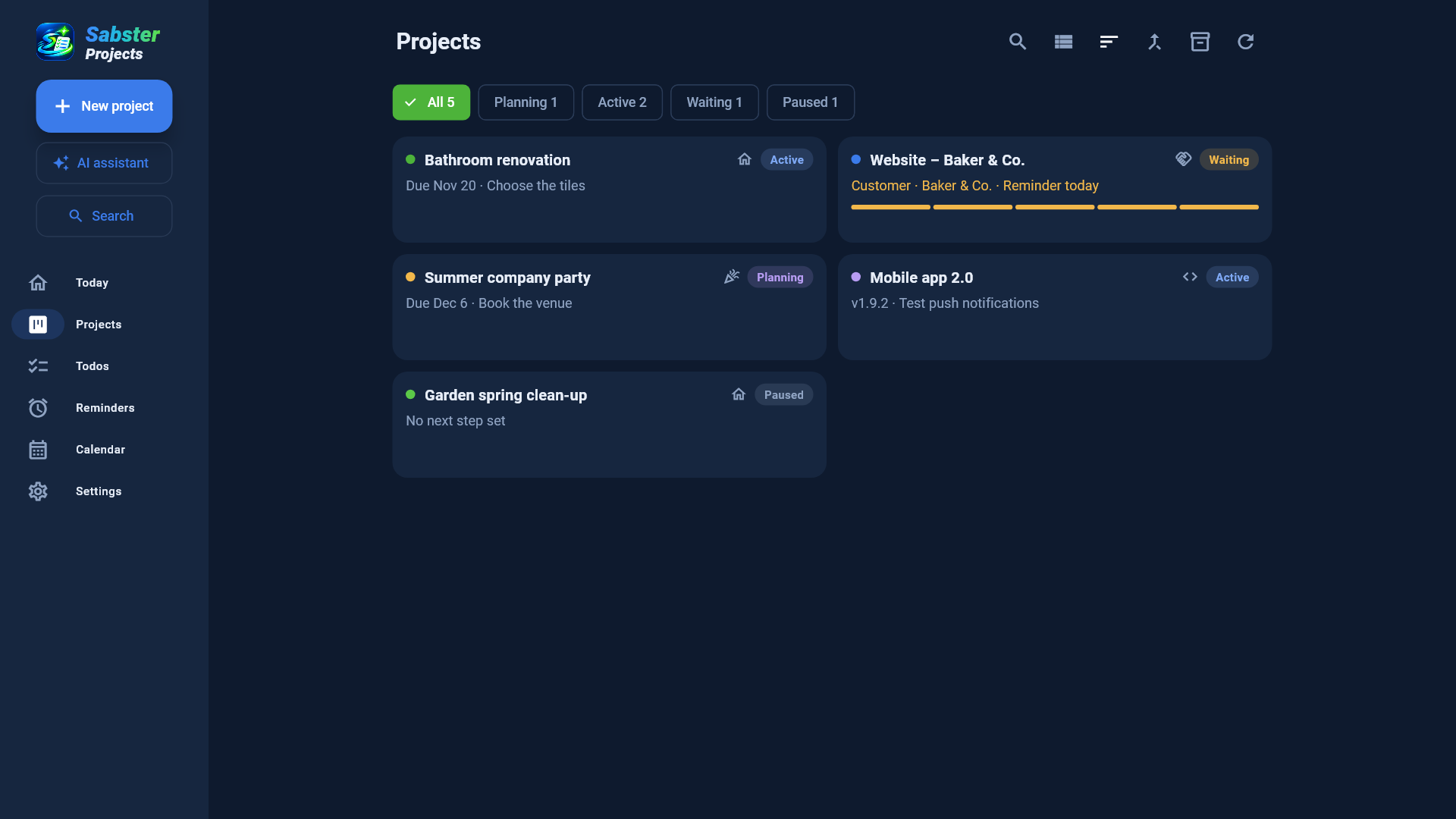
Everything you work on is a project: with a status, a deadline and next steps.
- Project types: general, home, product, software, client, event – each with the tabs it needs
- Status: planning, active, waiting, paused, done; a deadline and a colour
- Next steps in order – the first one shows everywhere
- Sort by name, deadline, status or last change; cards or a list
- Templates: save a project as a template and start new ones from it with one click
- Merge projects, archive and restore
⏳
Waiting
Most projects wait for someone. Sabster Projects counts the days for you.
- Who you wait for (customer, supplier, approval, payment, delivery) and for how many days
- A countdown on the card, a notification on the day
- One tap: the answer arrived, I followed up, or snooze
- Comments you type along the way also go into the notes
⏳
☑
Tasks and todos
Tasks in projects, todos without one – and all of them in one list if you want.
- A list or a Kanban board (to do, doing, done), ordered by dragging
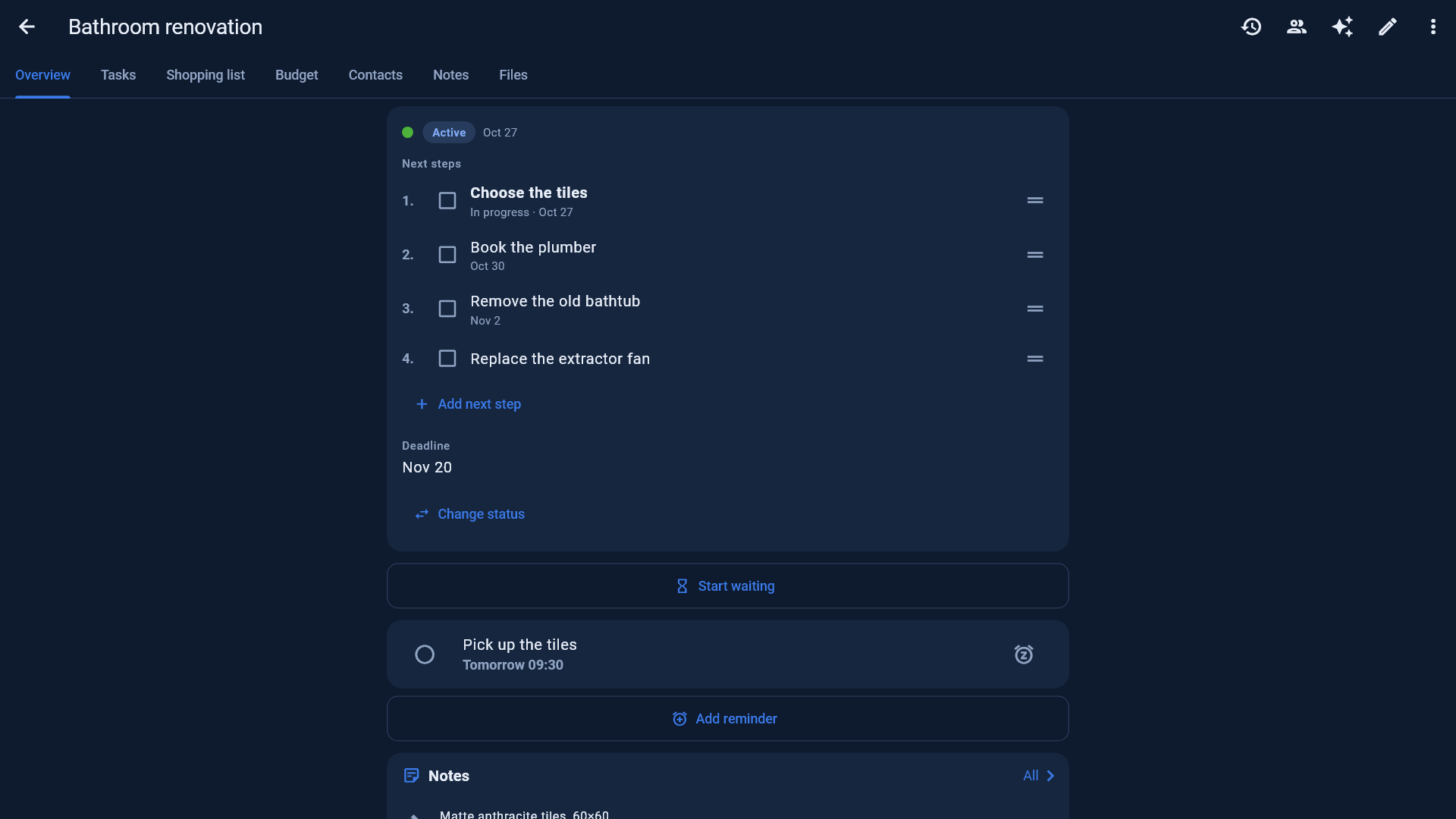
- Priority, a due date and time – an alarm rings at that time
- Recurring tasks: daily, weekdays, weekly, every 2 weeks, monthly, yearly
- Assign to people of the project, with a notification and an email
⏰
Reminders
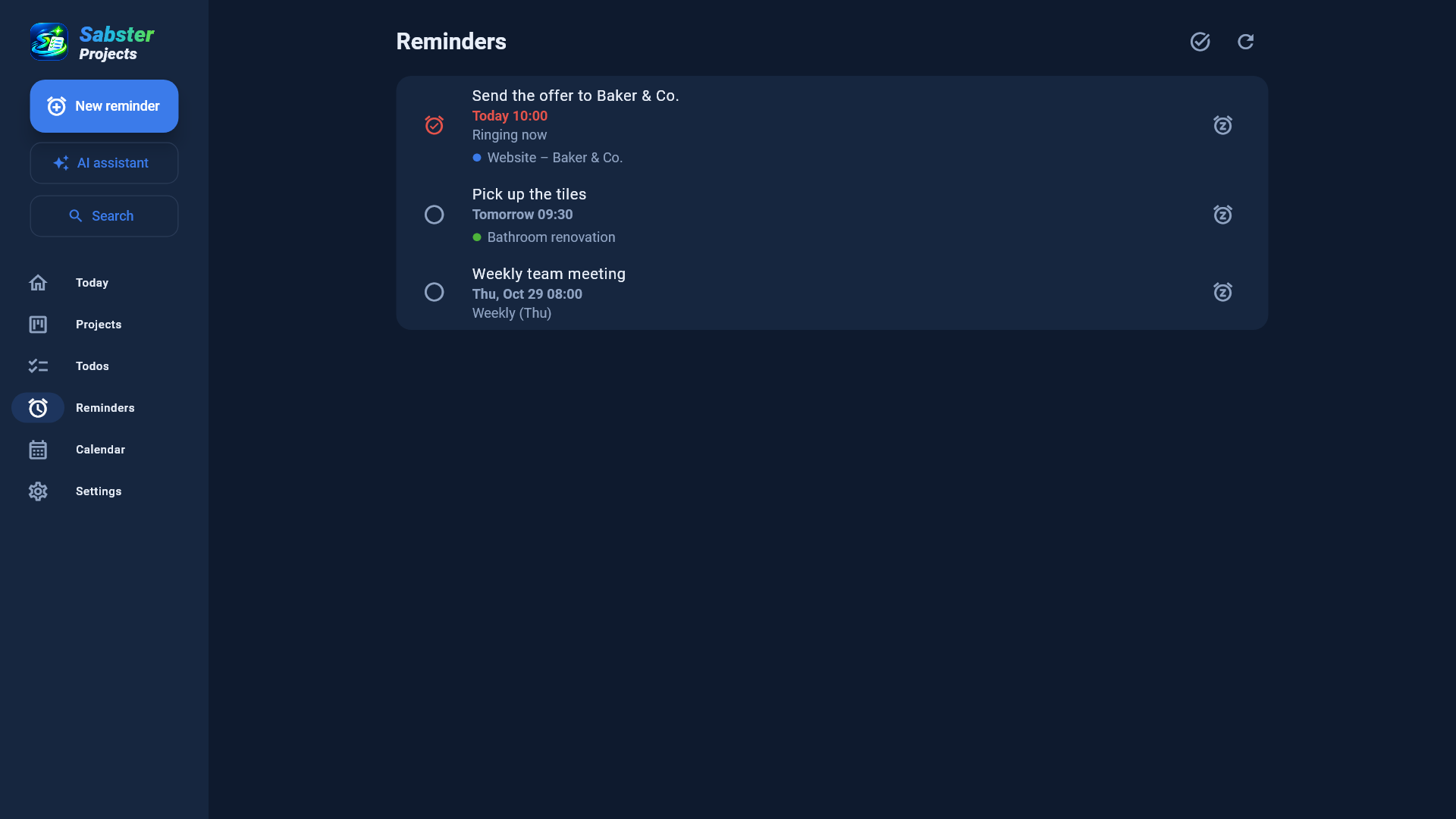
Not just a quiet notification: it keeps ringing until you react.
- Date and time, with an alarm sound, full screen even on a locked phone
- Snooze: 5 minutes, an hour, tomorrow or whenever you like
- Repeats: daily, weekdays, weekly, monthly, yearly or custom ("every second Monday of the month")
- On Windows it runs in the tray and starts with the PC, so it rings even with the window closed
✨
AI assistant (Pro)
Say or type what to add – it does the rest.
- Tasks, todos, reminders, notes, costs or contacts from one sentence
- Understands the project and the days ("on Friday", "tomorrow at 9"); asks when it can't find the project
- Reads tasks out of forwarded emails, and adds a task to check each attachment
- Undo with one button
✨
✉
Projects from email
Most work arrives by email. Forward it and it's organised.
- You get your own, secret email address
- The subject becomes a project; the email and its attachments go to its files
- Replies arrive in the same project
- You choose who may send to your address (e.g. your work address)
✉
📅
Calendar
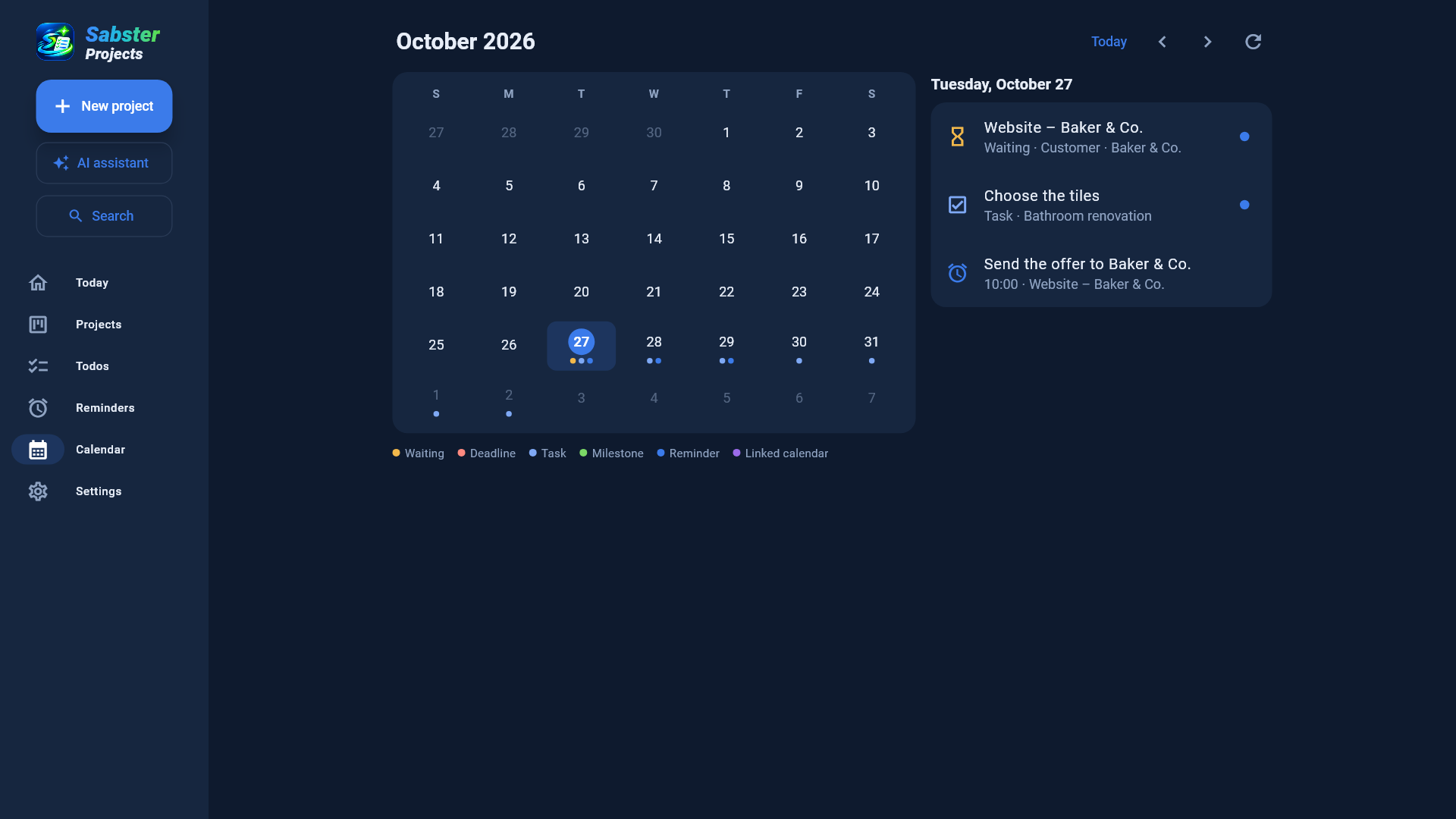
Everything with a date in one calendar – and your other calendars too.
- Deadlines, waits, tasks, milestones, reminders
- Appointments of your Google, Outlook or other calendars, with a reminder before them
- Sabster's dates in your Google, Outlook or Apple Calendar
📎
Files, notes and the rest
Everything that belongs to a project is in the project.
- Files and photos with versions; edit Word and Excel files and upload them back
- On Windows: drag an email or attachment straight from Outlook, or paste from the clipboard
- Notes and decisions, milestones, links, contacts
- Shopping list, budget and costs
📎
👥
Working together
Share with the people you work with – or who only need to see it.
- Share to edit or just view, with an email invitation
- Phone and email notifications when someone changes something
- A public status page for your customer: a secret link, no account needed
- People you share with don't need a subscription
👥
🔍
Everyday comfort
Small things that save a lot of time.
- Search everything: projects, tasks, notes, contacts, file names
- A morning summary by email, at the time you choose
- Dark and light look, in Hungarian and English
- On Android, Windows and in the browser – one account, the same data
🔍